AIShell Guard
Open source under the MIT licence. View the source
A macOS menu bar app that controls which SSH hosts AI coding assistants may connect to.
The problem
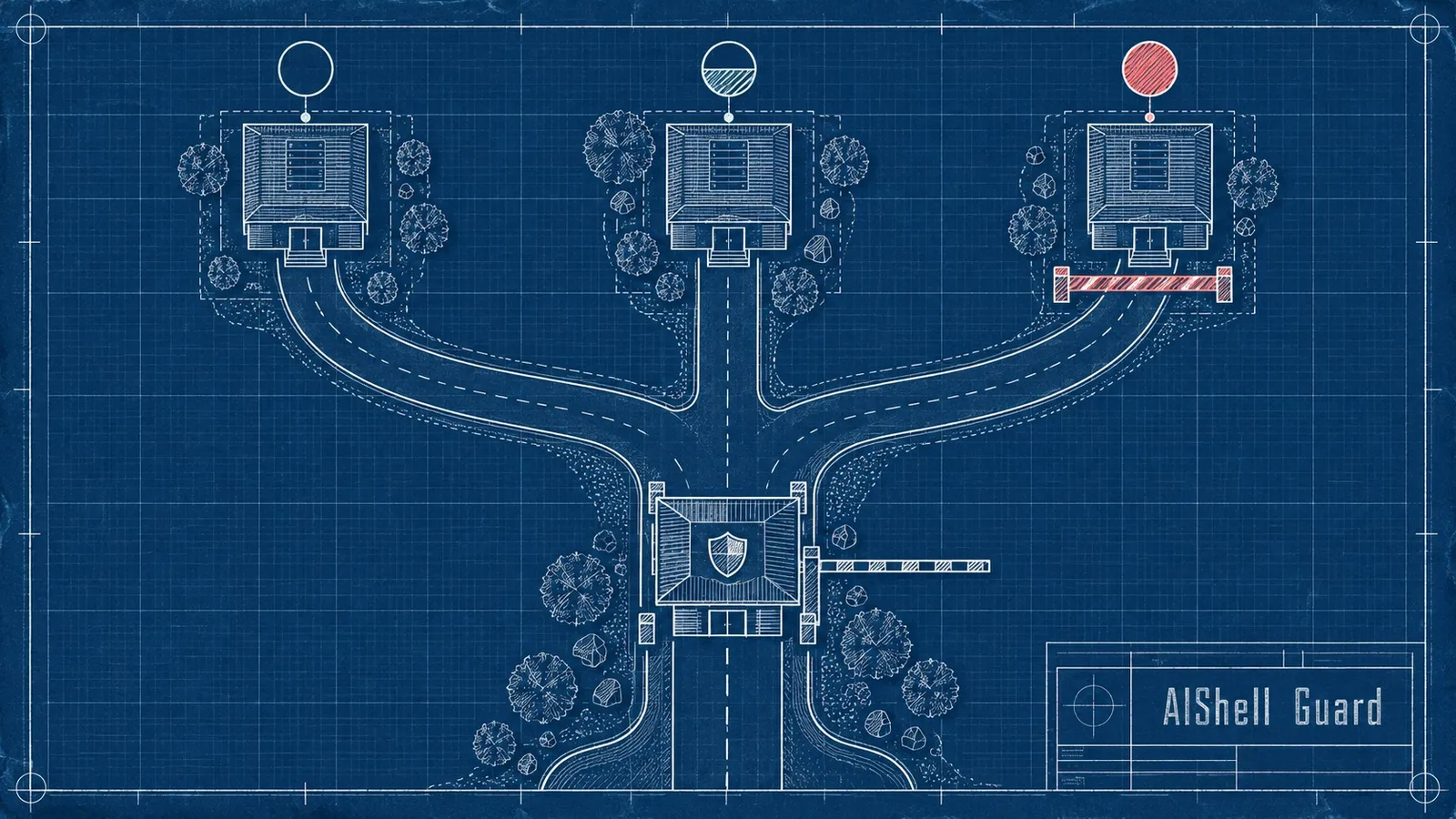
AI coding tools can attempt SSH connections you did not intend. Instead of trusting everything or confirming every command, hosts are pre-authorized as allowed, ask or blocked.
How it works
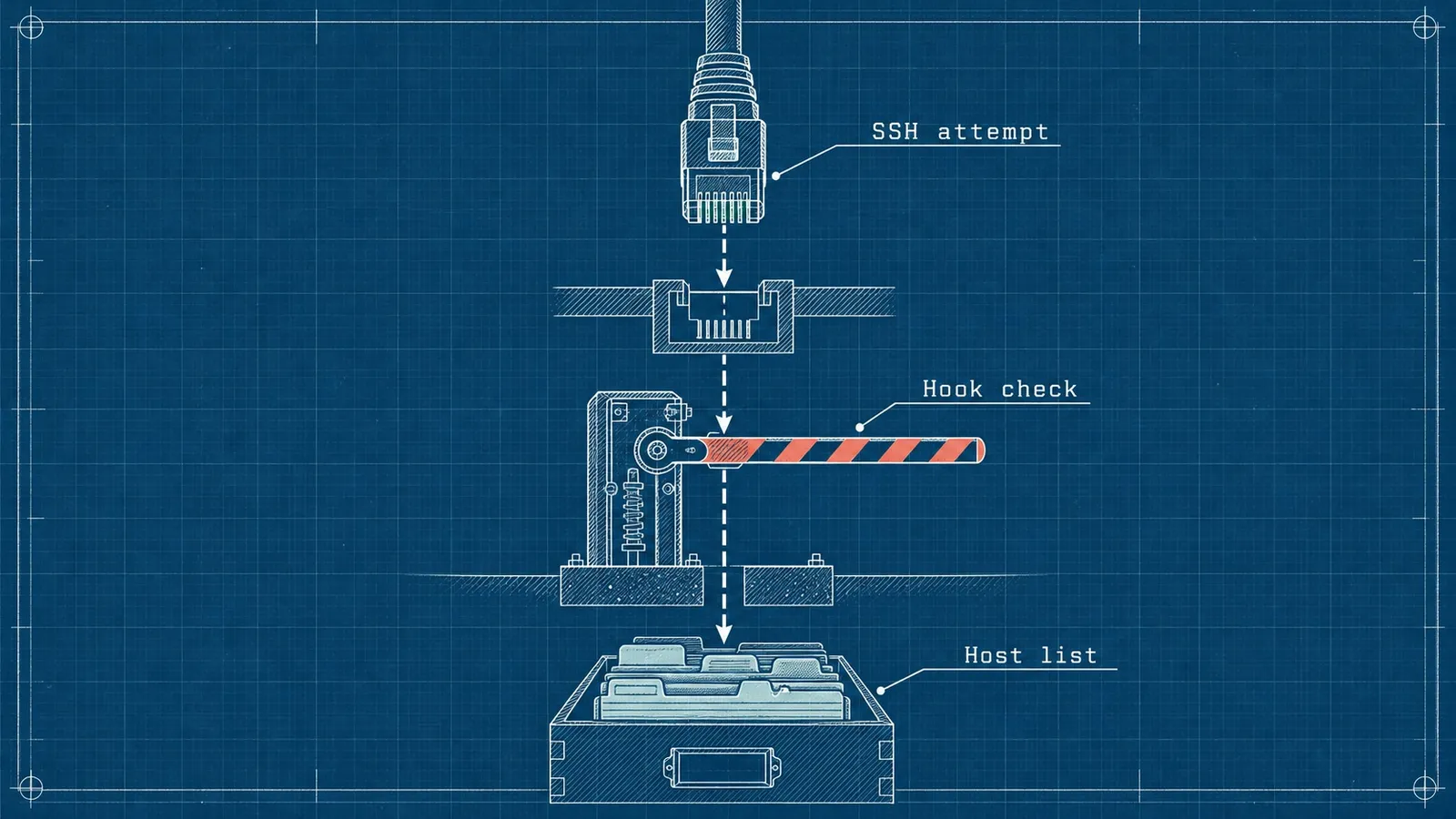
A JSON state file at ~/.config/aishellguard/hosts.json holds host states. A pre-ssh.sh hook checks it before every SSH command, and unknown hosts are blocked and queued for review in the menu bar app.
Features
- Three states: allowed, ask, blocked
- Unknown-host detection with notification
- Host groups with drag-and-drop ordering
- Optional HMAC verification of the state file
- No cloud dependency
How it was built
The working app was built in one day on 2026-02-01 so a person could decide, per host, whether an AI coding agent may connect over SSH: always, never or ask first.
A shell hook parses the SSH target, looks the host up, then allows, blocks or asks, and queues unknown hosts as pending. It works with any assistant that supports a pre-command hook.
A Swift menu bar app manages the hosts with atomic JSON writes. A date-parsing bug was fixed so the app never overwrites a state file it cannot read.
For public release it was renamed from SSHGuard, personal values were replaced with documentation addresses, and optional signing of the state file was added.
AI coding agents wrote the code, and the tool exists so Rico, not the agent, decides which machines an agent may reach.