Receipt Shoebox
Free for noncommercial use under PolyForm Noncommercial 1.0.0; commercial use needs a licence from Rico. View the source
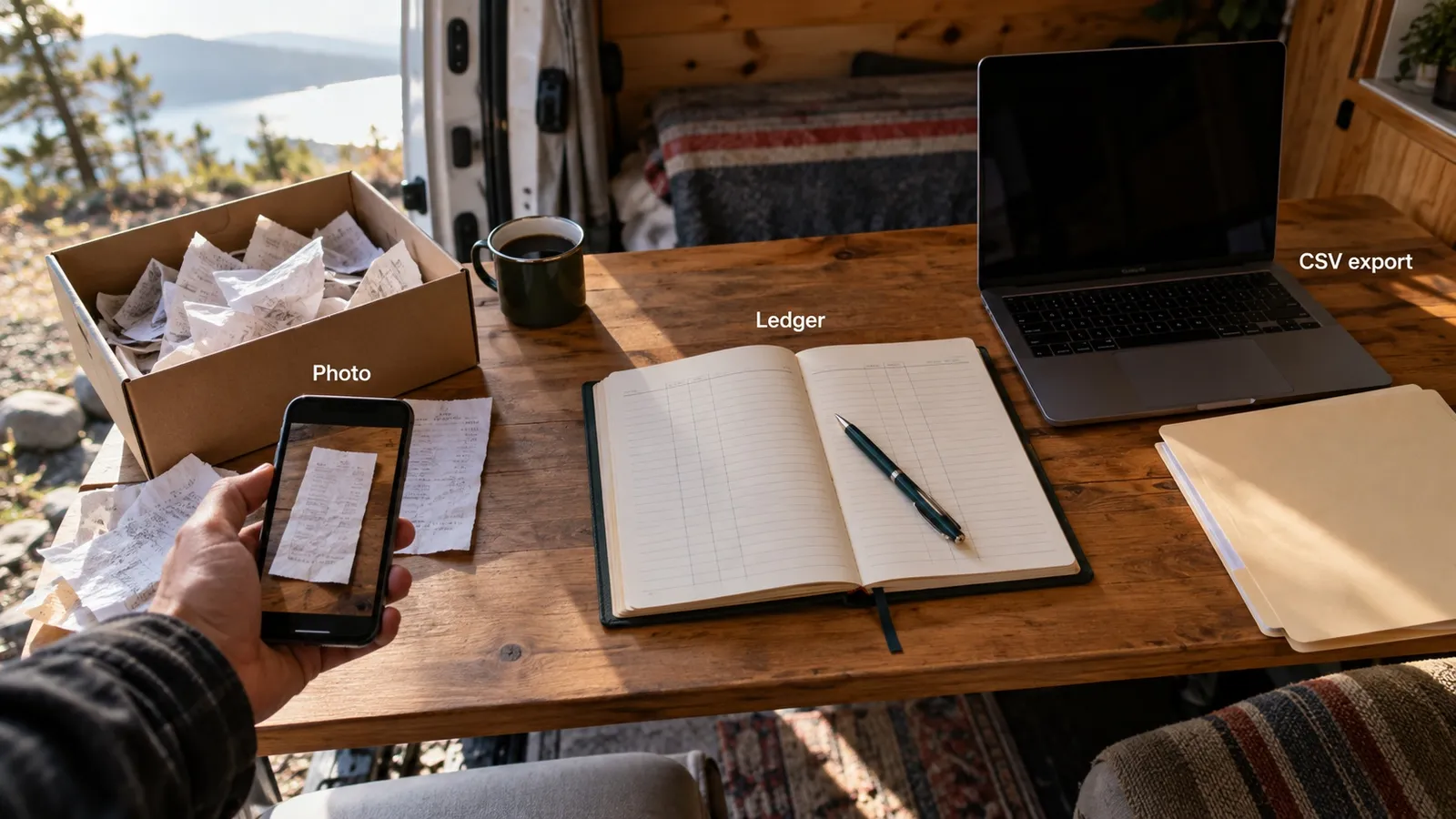
The owner photographs a pile of receipts and drops the photos in an inbox folder. The AI reads each one (vendor, date, amount, payment method, which job it was for, and an expense category) and appends it to a dated monthly table in ledger/expenses.md. At month end it produces two CSVs: the expense file for the accountant and a job-costs file that totals spend per job. It also runs a flag-review pass (duplicates, possible capital purchases, outliers, unreadable receipts, money left in Uncategorized) and a short month-in-review comparison.
Experimental

The problem
Small trades and field-service businesses keep receipts in a glovebox and type them up at month end, if at all. A bank statement or a generic expense list does not answer the question that matters to them: how much a given job actually cost. Reading crumpled paper is also where an AI is most tempted to guess a number, and a guessed number in the books is worse than a blank.
How it works
The kit is a folder of markdown: a self-adapting installer.md that any host AI reads to install the kit for its own platform, and a shoebox skill with four workflows (process receipts, flag review, month-end export, month in review), a config file, and a ledger/ folder with four starter category lists (trades and field service, professional services, retail and food, generic small business). The AI does the vision reading and the judgment calls. One dependency-free Node script, skills/shoebox/scripts/shoebox-ledger.mjs, owns the ledger append, duplicate refusal, running-total update and ledger verification, and refuses any row whose money is not confirmed. In a chat with no file access the kit runs from the same instructions and states that the script-backed checks are advisory.
Features
- Never guesses money: an unreadable total, date, vendor or payment method is asked about, and the row is held as NEEDS CONFIRMATION until answered
- Every row carries a confidence note (read clean, asked, best guess on category only)
- Named refusals: an unreadable photo is refused with a concrete retake instruction
- Text printed on a receipt that tries to instruct the AI is ignored and quoted back
- Job costing: receipts are tied to jobs in ledger/jobs.md, and the job-costs CSV totals spend per job
- Append-only ledger: rows are added, never rewritten
- The ledger ships empty
How it was built
Version 1.1 shipped on 2026-07-15 as an AI agent skill: the owner photographs receipts, the AI reads them into a monthly expense ledger, and the kit writes a CSV the accountant can import.
The founding rule was that the AI never guesses money. An unreadable total is held as NEEDS CONFIRMATION, never zero, until the owner supplies the value.
A review on 2026-08-11 found the four largest receipts in a trade business's month landed in an uncategorized bucket. Version 1.1.1 added job costing, asked once per batch, with a separate job-costs CSV.
In 1.1.3 the AI kept the judgment, category and job, while a script took over the mechanical write: append, running total, duplicate refusal and verification.
AI agents ran the kit as three simulated buyers, including a receipt carrying a planted instruction the kit ignored and quoted back. A Claude model and a GPT model then reviewed the script, and Rico kept the owner as the one who confirms every doubtful figure.