rTech Whisper for iPhone
Open source under the MIT licence. View the source
A native SwiftUI dictation app for iPhone that gets text back from your own Whisper server.
Extends OpenWhispr
Experimental
The problem
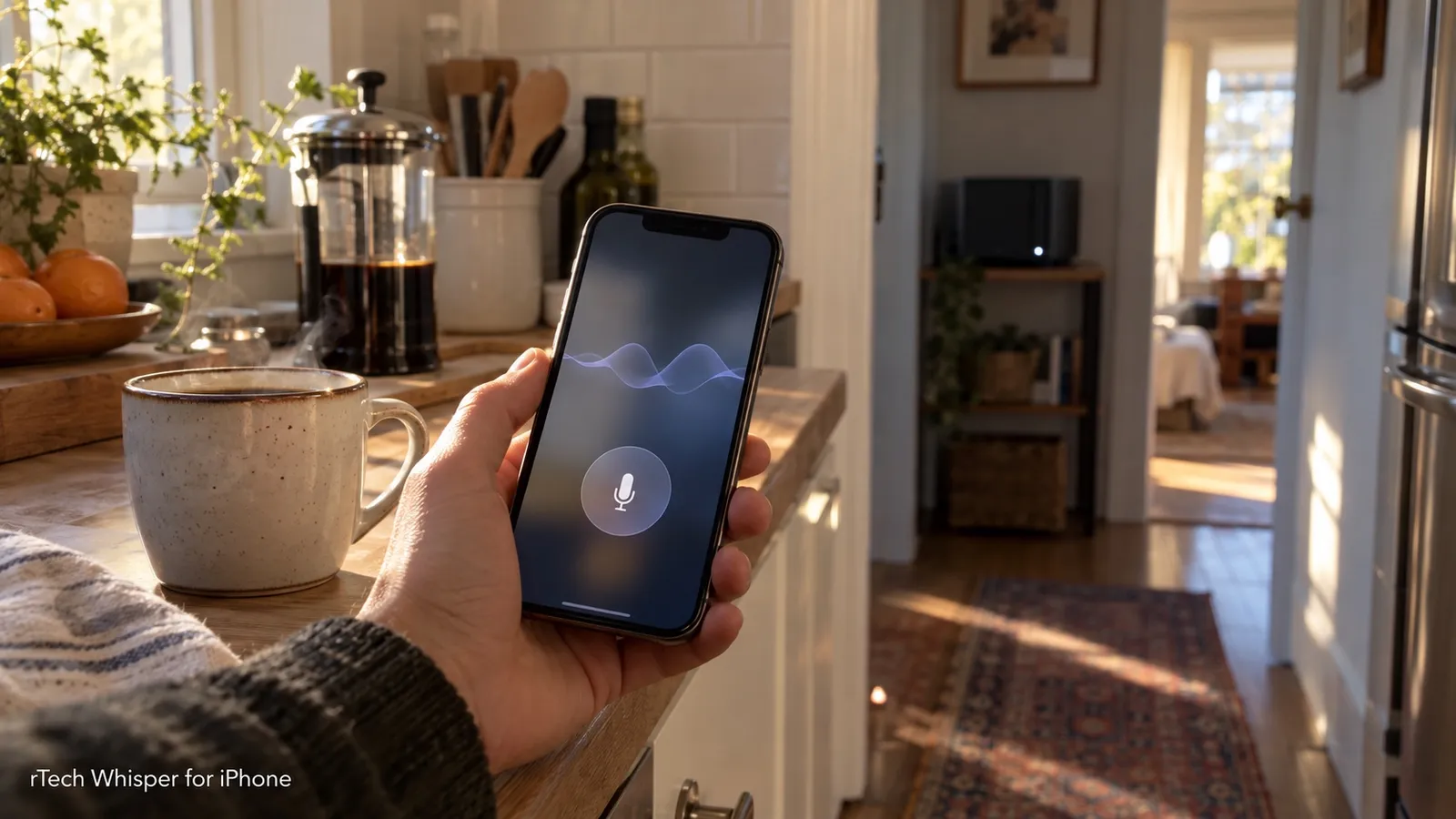
Brings the author's habit of dictating all day with self-hosted speech-to-text to the phone, with results also showing up on the desktop.
How it works
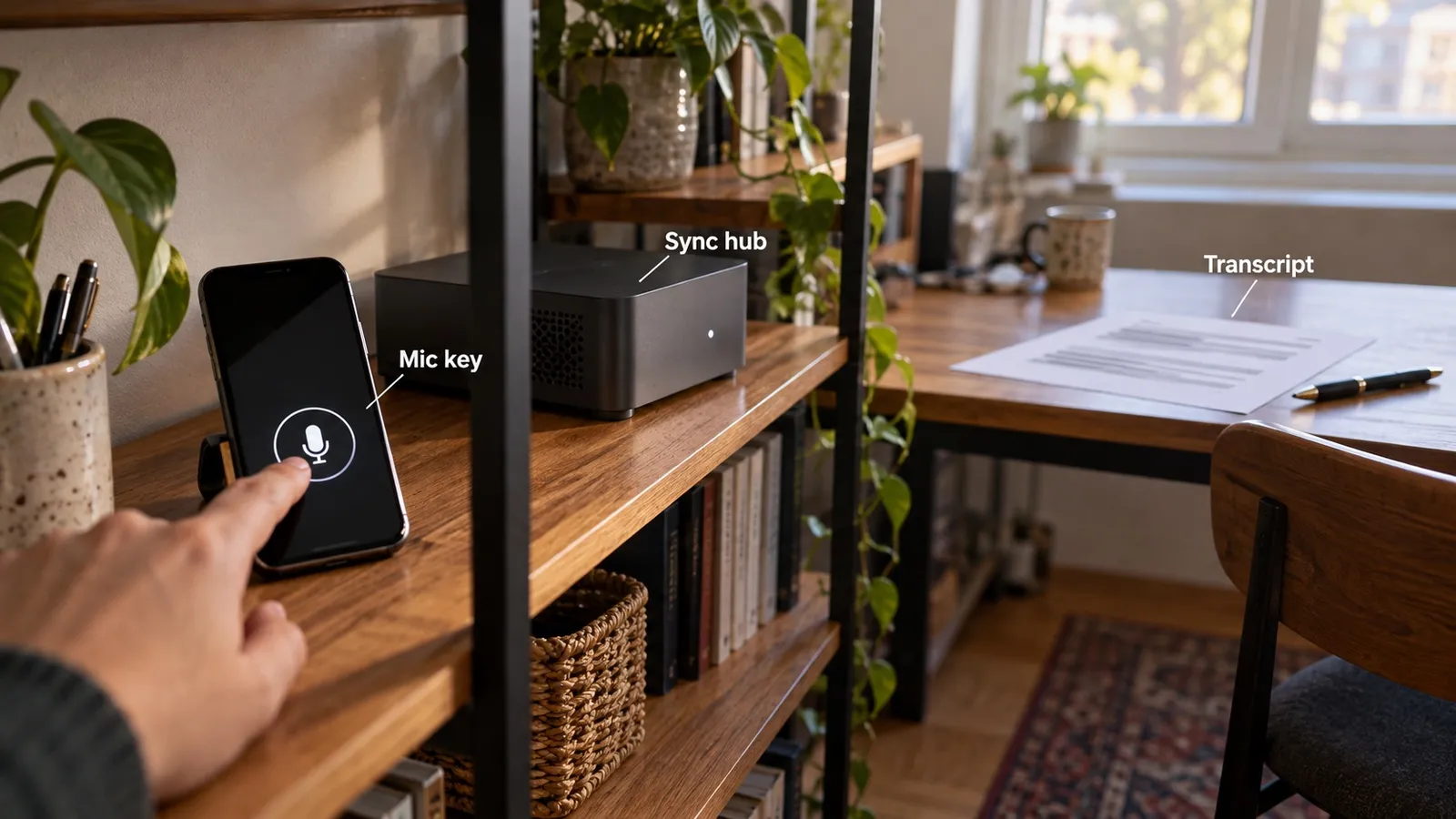
Logic lives in the RtechWhisperKit Swift package, tested with Swift Testing without a simulator, and the App, Keyboard and Widgets targets are thin. Every network call goes to a self-hosted sync hub that fronts the Whisper server. When the hub is unreachable the recording is transcribed on-device and the Whisper text replaces it later unless the user edited it.
Features
- Keyboard extension with a mic key that hands off to the app and returns the transcript
- Live Activity in the Dynamic Island and Lock Screen with a Stop button, Control Center control and Shortcuts intents
- Notes, history, dictionary, snippets, brain dumps and file upload synced through the hub
- Chat with an LLM behind the hub, with tool calls and optional spoken replies
- On-device speech-recognition fallback
How it was built
The iPhone app started on 2026-09-29 because the self-hosted dictation setup had a desktop app but no way to dictate on the phone into the same notes and history.
The upstream phone client was tied to its own cloud, so the decision was to write a native iOS app from scratch and give both apps one self-hosted hub.
The first day went in order: a SwiftUI skeleton, a written map of the desktop sync protocol, one-command install on a real iPhone, then sync, recording, an offline queue and on-device speech as the backup.
Everything testable lives in one Swift package so its tests run without a simulator, and the app follows the desktop's sync protocol with the differences written down.
AI coding agents wrote the app under Rico's direction, and he chose to reuse the existing protocol rather than invent a new API.